PonosUse cases
One ticket, step by step: from a written brief to a reviewed pull request with Claude Code
A worked example on a demo board — how to write a ticket Claude Code can finish alone, what Ponos does while the session runs, what the self-review catches, and the single gesture that ships it.
Most posts about running Claude Code on a backlog stay abstract. This one follows a single ticket from the first line you type to the pull request you merge, on a demo board with made-up data: no real project, no real customer. The ticket is a small, ordinary one — Rate limit the search endpoint — which is exactly the kind of work a backlog is full of.
1. Write a brief an agent can finish alone
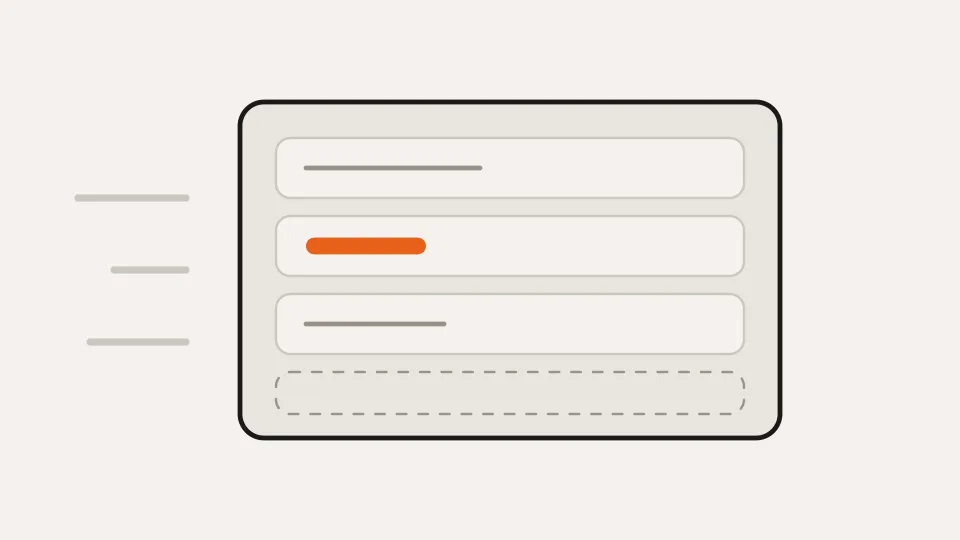
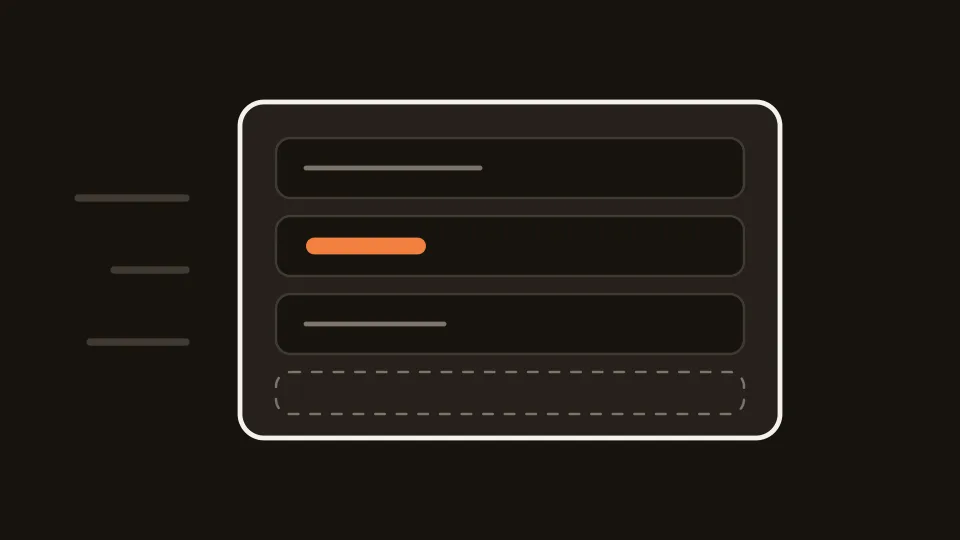
A session works with nobody to ask, so the ticket has to carry what you would have said out loud. The one in our example has a short context, then two lists:
- What to do: mention in the report anything the session could not verify; leave the public names alone, because other projects import them; handle the empty case and the case with a very long value; keep the change inside the module, with no drive-by cleanups.
- Done when: the new behaviour is covered by a test that was red before; nothing outside the scope of the ticket is modified; the existing suite is green and the linter has nothing to say.
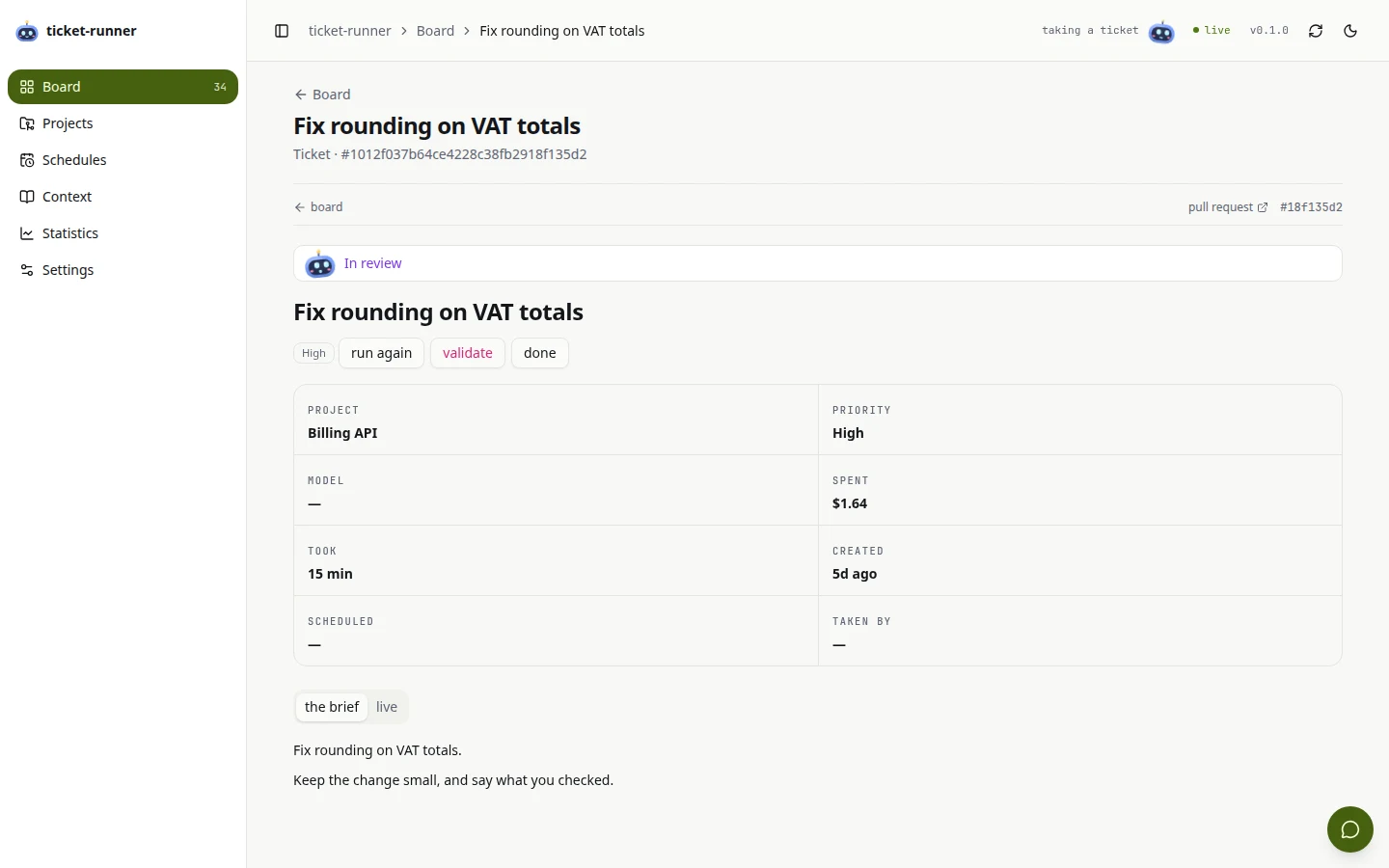
Why the second list matters: a Done when is something a reader can check against the diff. Ponos reads it first when the work is reviewed (more on that below), so a vague ticket gets a vague review, and a precise one gets a precise one.
You pick a type, here Code with the Security sub-type, a priority score (40), and optionally a model. Then you move the ticket from Draft to Ready. That move is the gesture that starts the work.
2. The session runs in its own worktree
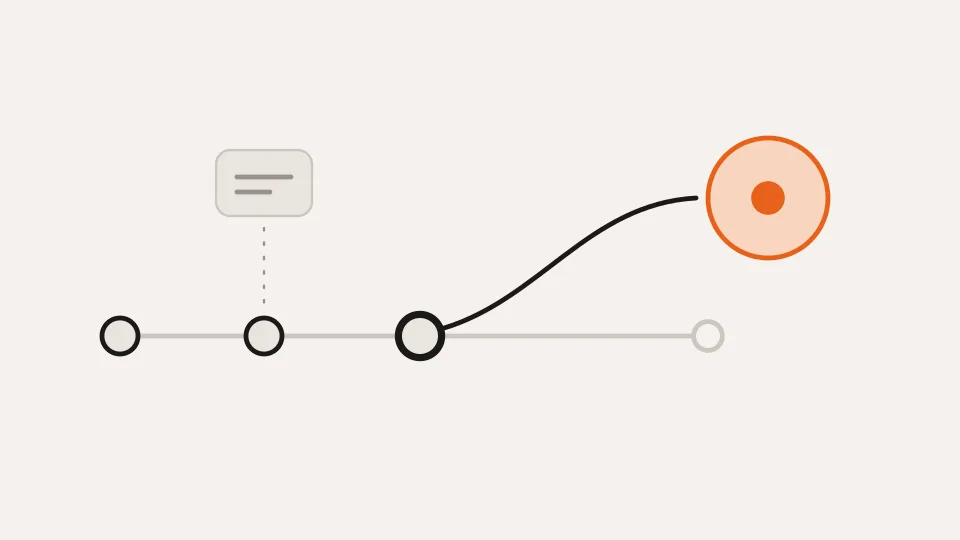
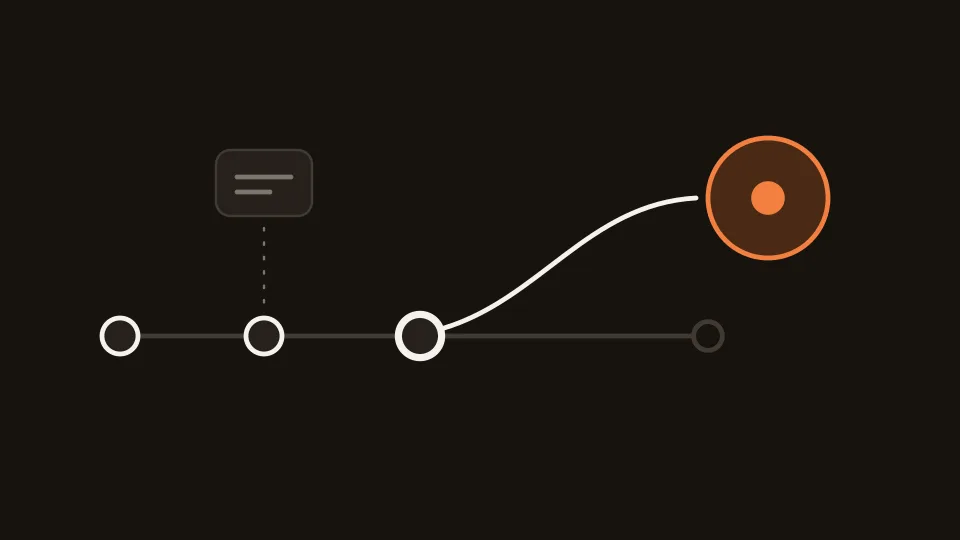
Within the next pass of the daemon, the runner claims the ticket: it goes to In progress, and Ponos creates a disposable git worktree on a branch of its own. Your working copy, your uncommitted files and your current branch stay exactly as you left them, and two tickets on the same repository can move at the same time.
On the board, the card of a running ticket shows what the agent is editing right now, its cost so far and two buttons, Pause and Abandon. In the ticket's view, the Live tab streams the session step by step.
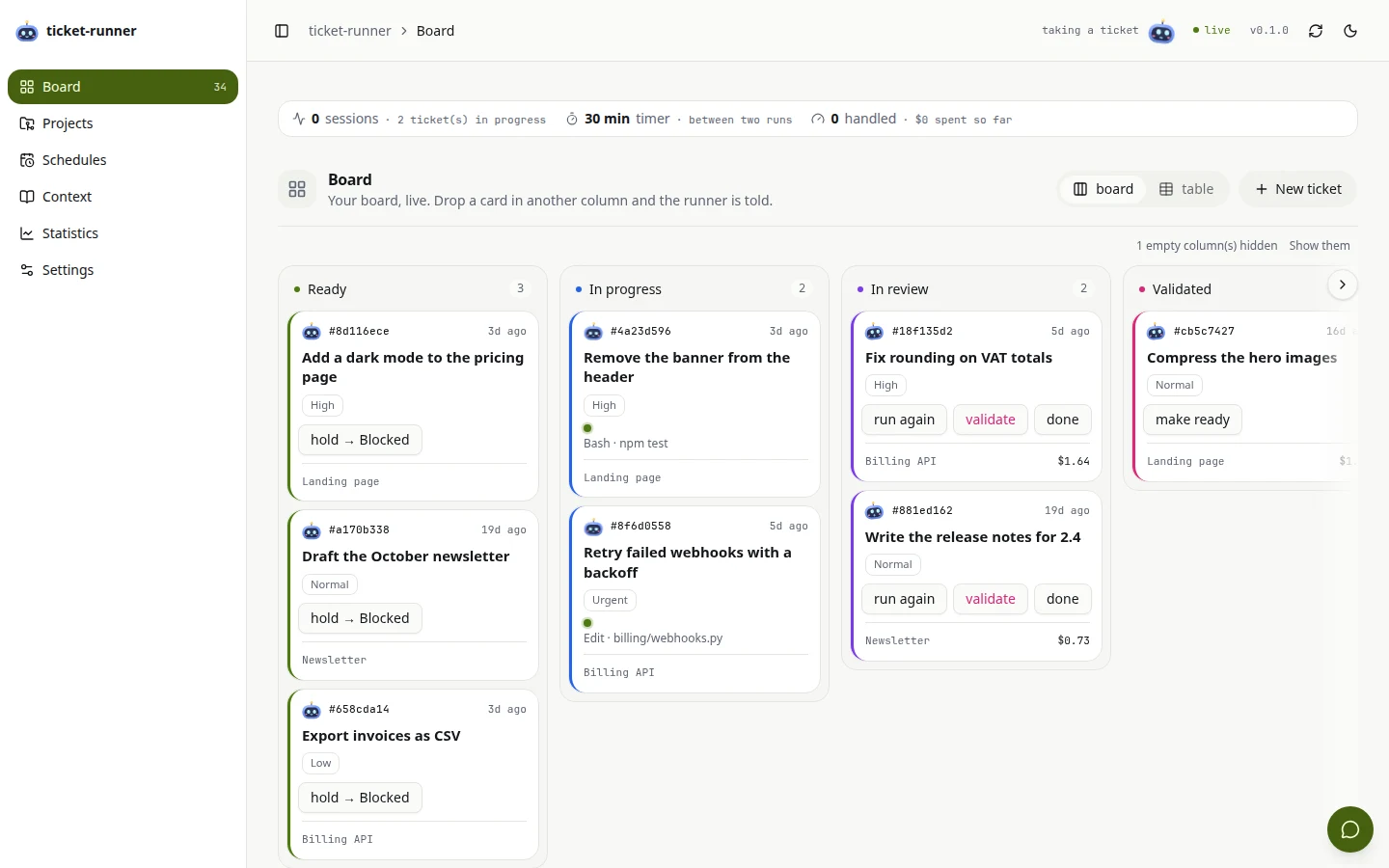
You do not have to watch, but you can steer. A message sent to a ticket whose session is running is handed to the agent after its current tool call: no, not that file works, and the session is not stopped. Written as a message for later, it waits until the agent has finished what it was doing. If a session took a wrong turn at its twelfth step of thirty, you can also start a new session from that step, with a message of your own: the conversation is rewound, the files are not, and the new session is told so.
3. Rules the agent cannot forget
A prompt can be forgotten; a refusal cannot. Before each tool call, a Claude Code hook checks the call against the project's guards: paths that are read-only or forbidden, command patterns, and three git gestures (a push to the main branch, a force push, a branch deletion) that are refused unless you allowed them. The agent is told why and changes its way; the refusal is written in the ticket's journal.
And the agent commits, but it does not publish. Pushing a branch and opening a pull request are outward-facing, so the runner does them afterwards, once it knows there are commits at all.
4. A second reading before anyone else's
Once the session has committed, and before anything is pushed, a second, short session reads the branch in plan mode, where it cannot write. It is given the ticket, the project's AGENTS.md or CLAUDE.md, and the diff, and it looks for what a reading against the ticket finds in a minute: a test that was asked for and not written, a generated file not regenerated, a Done when met only in words. Style is not its business.
If it raises points, the ticket's own session is picked up once to fix what it agrees with and to say, point by point, what it fixed and what it left. The pull request opens whatever happened, with a Review section that lists all of it. Your own review, which comes later, starts from there.
5. In review: what you see
The ticket lands in In review. Its page now opens on the Result: what changed and why, in plain words, then the pull request, its CI status and the files it touches. The CI state is kept fresh without a trip to GitHub, and a red check wins over a running one.
Under the result, the journal Ponos writes at the end of every session tells you what was done, which choices you should confirm, what was checked and what was not. The cost and the duration of every session are listed too. On the demo ticket that is a single session of about fifty minutes on opus.
If the result is almost right, you do not start over. Request a change writes an instruction on the ticket and puts it back in Ready; the next session reads the result as it stands and hands back a new version, the previous one kept.
6. Merging is the only gesture
Read the diff, then merge the pull request, or move the ticket to Validated and let the runner do it. Either way, the board catches up by itself: a ticket whose pull request is merged moves to Done with a comment saying so, and nothing is merged behind your back. A Validated ticket can also set off a follow-up, for instance a prompt on the status change that creates the deployment ticket, as on the demo ticket's page.
What to take from it
Three habits made this ticket work, and none of them is specific to Ponos:
- Write the done criteria down. They are what the agent aims at and what the review checks.
- Keep the scope in the brief. "Keep the change inside the module" is a sentence that saves a review round.
- Keep the merge for yourself. The agent proposes, the runner publishes, you decide.
Try it on your own backlog
The installation guide takes a few minutes on Linux or macOS. Then write one small ticket in the shape above, move it to Ready, and watch the first session run. The ticket guide describes every status and every gesture used here.
A Hermez product.