PonosProduct updates
Steer a running Claude Code session, rewind it to any step, schedule tickets for later: what's new in Ponos
Correct a Claude Code session while it works, start a ticket again from the step where it went wrong, date tickets on an agenda, and set rules the agent cannot ignore — what was merged on Ponos's main this week.
The last update was about speed: a console that opens its windows at once. This one is about control. Until now, once a ticket was running, you had two choices: let the session finish, or stop it. Since then, a set of changes merged on main gives you the moments in between — saying something to the agent while it works, rewinding it to the step where it went off course, deciding when it starts — and a few rules it cannot talk its way around.
If you have not met it: Ponos turns a ticket moved to Ready into a Claude Code session on a disposable git worktree, and brings it back as a pull request or a written page. Here is what changed, grouped by what it changes for you rather than by pull request.
Correct a ticket while it runs
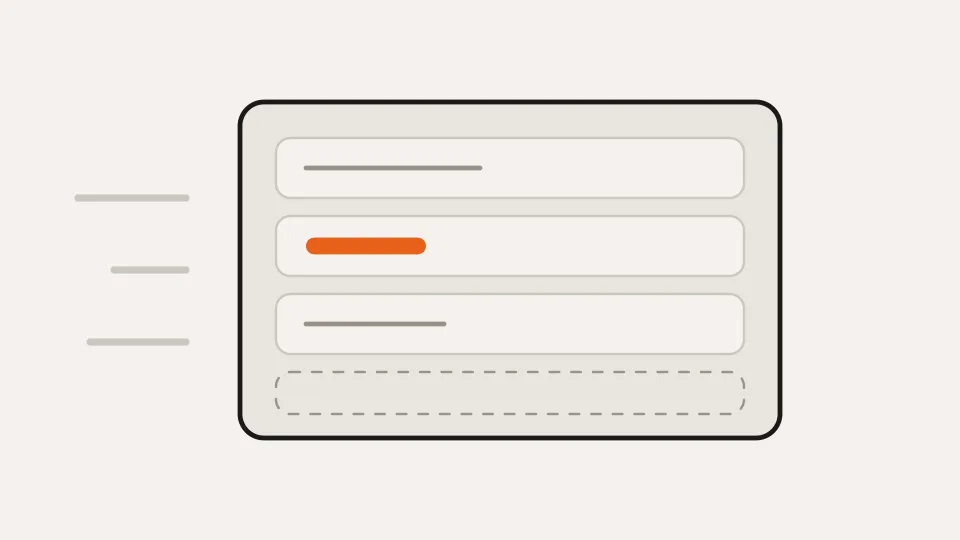
You open a running ticket, read its live journal, and see the agent heading for the wrong file. Before, a comment waited for the next pass. Now a message sent to a ticket whose session is running is given to the agent, from the console's ticket view or from Telegram and Slack when you answer on the ticket. There are two ways to say it:
- A correction (the default) — "no, not that file". It is handed over at the end of the tool call under way, and the session is not stopped.
- A message for after — tick Give it once it has finished what it is doing in the console, or start a channel message with
later. It waits until the agent is about to close the session, which then goes on with it before writing its report.
Both appear in the ticket's journal as a Message step, at their place among what the agent did, so the record reads in order. Under the hood these are two Claude Code hooks Ponos adds to the ticket's session. A message the session ended without reading is not lost: it becomes a comment, and the next pass reads it.
Start again from the step where it went wrong
Sometimes the twelfth step of thirty is where things went sideways, and everything after it is noise. Running the whole ticket again throws away the eleven good steps; resuming carries the mistake along. There is now a third way.
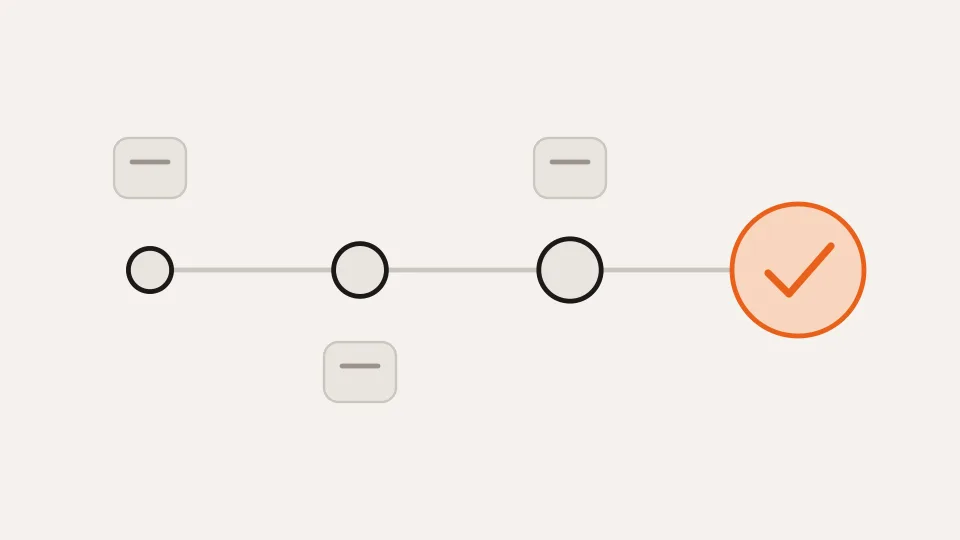
In the ticket's journal, point at a step — a sentence of the agent or a tool call — and click Start again from here. You can add a message ("this time, use the existing helper"), and the ticket goes back to Ready. Its next session knows the conversation up to that step and nothing after it, then opens on your message. It is a new run: the run it came from stays readable as it was, and the journal shows which step of which run each branch started from.
One thing to know before you use it: the files are not taken back. Only the conversation is rewound; the worktree and the ticket's branch stay as the earlier session left them. The confirmation window says so, and the new session is told too — it reads git status, the log and the diff before writing, and undoes what does not fit. When you want clean files, run the ticket again from the start.
Pause is not Abandon
On a running ticket, Pause and Abandon used to sit side by side as twin buttons — one keeps everything, the other throws away the session and its unpushed work. Pause stays a button where it was. Abandon moved into the "…" menu beside it, in red, and its window says what is lost and opens on Cancel: a reflexive Enter no longer abandons anything.
Schedule a ticket for later, and see it on an agenda
The runner has long respected a ticket's Scheduled date. Now you can set it everywhere you write a ticket:
- in the console, a Scheduled for field on New ticket, with shortcuts — in 1 h, tonight, tomorrow morning, next Monday — or a date and hour in your browser's timezone; a ticket's view changes or removes it until it is done, and Launch now removes the date;
- from Claude, with
scheduledin the MCP'screate_task; - from a terminal,
ponos schedule PON-142 "tomorrow 14:30"orponos move PON-142 ready --at +2h.
A date in the past is refused rather than read as now: a date typed a day wrong should not start paid work unnoticed. To see what is coming, the board gained a third view next to Columns and List: Agenda, a week, day or month calendar where each dated ticket sits at its hour, and the next launches of your active recurring tickets appear beside them, marked ↻. On List, Shown fields hides the columns you do not read.
Rules the agent cannot ignore
A prompt can ask a session not to touch your licence file; a session can forget. Ponos now checks every tool call before it runs, with a Claude Code PreToolUse hook, against a [guards] table — in config.toml, and in a project's own .ponos.toml:
# .ponos.toml, at the root of the repository
[guards]
read_only = ["LICENSE", "**/package.json"]
forbidden = [".env", "secrets/**"]
commands = ["terraform\\s+destroy"]
Paths can be read-only or forbidden outright, commands are regular expressions, and three git gestures — a push to the base branch, a force push, a branch deletion — are refused unless you allow them. The agent is told why and changes its approach; the refusal is a Guard line in the ticket's journal, and the project's settings list the rules and the latest refusals. It is a net, not a prison: the hook catches the usual ways of writing a file, not all hundred of them.
Take your Ponos with you, never the vault
Settings → Export & import (or ponos export and ponos import) writes everything Ponos holds into one zip: settings, projects, context, memories, goals, recurrences, skills, tickets with their journals — and, only if you tick them, the conversations. The vault and every secret never leave; the archive lists their names, so you know what to type again. An import previews first, then merges or replaces after a confirmation and a copy of the database. Nothing starts on arrival: running tickets come back as drafts, recurrences come back off.
The vault itself got friendlier: it now unlocks once with the console's password, and locks again after fifteen minutes without action, instead of asking for the password in every form.
A board that reads faster
Smaller changes you will meet every day:
- A short id per ticket:
PON-142, numbered per project and shown after the title. A click copies it, and the CLI, the API and the MCP accept it wherever a ticket is named. - Review, said as a question: the setting once called Force validated reads Review now, with As the project, Never and Always. Recurrences can set it for the tickets they create.
- A ticket view in two columns on a wide screen: the tabs on the left, a rail on the right with the status and its main gesture, the facts you can edit in place, and the pull request said once.
- A filter bar that folds: search, Project, Status and Priority stay at hand; the rest sits behind a Filters button, and active filters show as chips.
- One banner when no daemon runs, with the command that starts it, instead of a warning on every ready card.
- Console conversations fold their steps into one line with a plain title.
When you get it
All of this is merged on main and listed under Unreleased in the changelog; it reaches your installation with the next release. The guide already describes each part: correcting a running ticket, starting again from a step, the guards and export and import.
Try it
The installation guide takes a few minutes on Linux or macOS. Write a small ticket, move it to Ready, and while it runs, open its journal and send it a one-line correction. Then date the next one for tomorrow morning and find it on the Agenda.
A Hermez product.